…cyber-1.tech
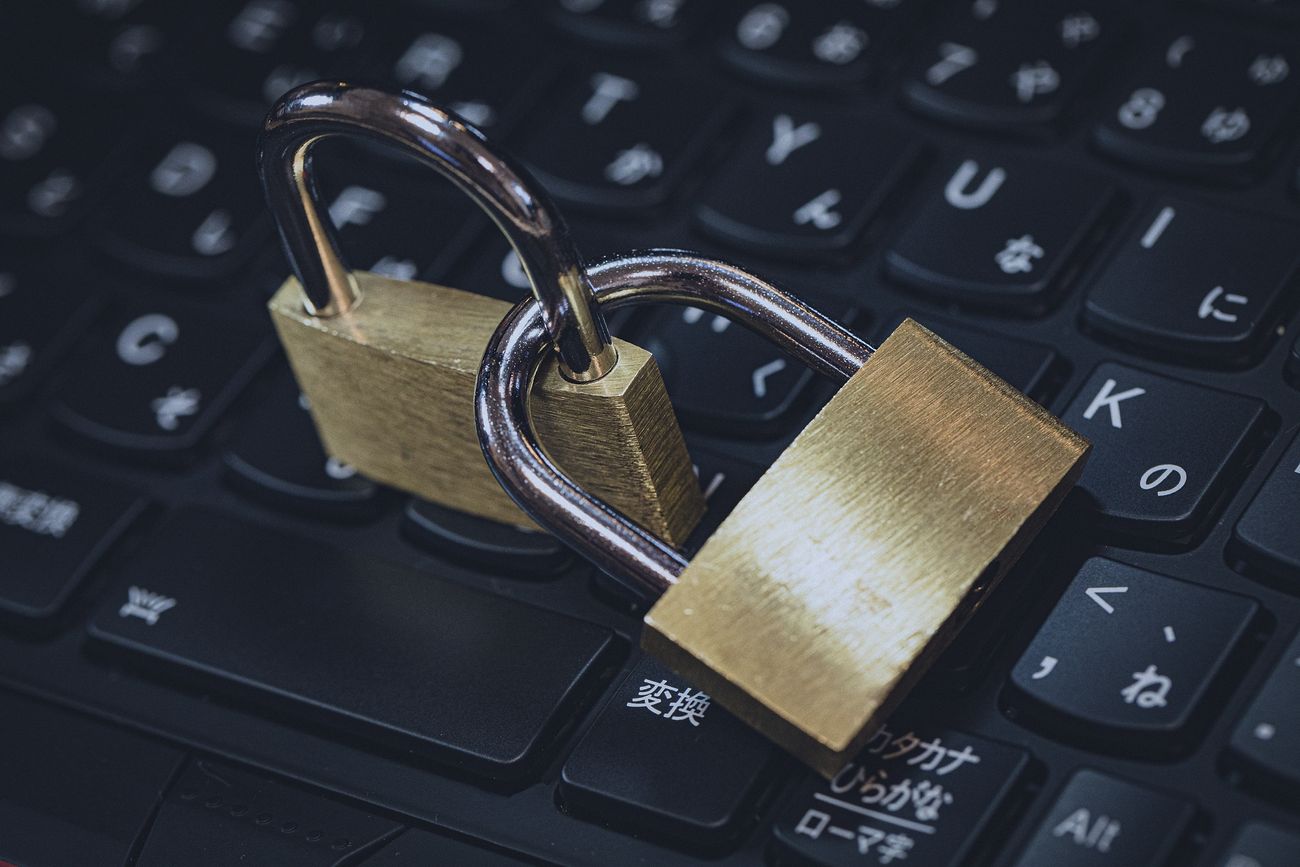
The DHS has emphasized the importance of cybersecurity for small businesses, which are often seen as easy targets by cyber criminals due to their limited resources and the perception that they may not have adequate cybersecurity measures in place. In its Small Business Information Security: The Fundamentals guide, the DHS notes that “cybersecurity is not just for large corporations or government entities; it’s important for businesses of all sizes, including small and medium-sized businesses.”
The DHS encourages small businesses to take a proactive approach to cybersecurity, by implementing basic safeguards such as firewalls, antivirus software, and data backup systems. The agency also recommends that small businesses establish clear security policies and procedures, and provide training for employees to help them recognize and respond to cyber threats.
In addition, the DHS emphasizes the importance of partnerships between small businesses and government agencies, such as through the Cybersecurity and Infrastructure Security Agency’s (CISA) Small Business Administration (SBA) Cybersecurity Initiative. This initiative provides resources and support to help small businesses assess their cybersecurity risk and implement appropriate safeguards.
Overall, the DHS has stressed the importance of small businesses taking cybersecurity seriously, and of working with government agencies and other partners to protect against cyber threats. As the DHS notes, “it only takes one successful cyberattack to bring a small business to its knees,” so implementing cybersecurity safeguards is critical for the survival and success of small businesses.
…cybersecurity policy NORMS:
- Identify potential risks: To identify potential risks, you should start by assessing your organization’s digital assets and the potential vulnerabilities of your network. For a contractor, these may include risks related to the protection of customer data, such as names, addresses, and payment information, as well as proprietary business information, such as pricing and supplier details. Some specific examples of risks that a contractor might face include:
- Phishing attacks: A contractor may be targeted by phishing emails that attempt to trick employees into revealing their login credentials or sensitive information.
- Ransomware attacks: Ransomware is a type of malware that encrypts files on a computer system and demands payment in exchange for the decryption key. A roofing contractor’s data, including customer information and business data, could be held hostage by ransomware.
- Unauthorized access to company data: Sensitive information could be accessed by unauthorized users who gain access to the network. This could happen through weak passwords or unsecured networks.
- Define the policy: Once you have identified the potential risks, you should define the cybersecurity policy. This policy should outline how the organization plans to protect itself against cyber threats. The policy should include guidelines and rules for accessing and storing sensitive information, data backup and recovery procedures, and measures to prevent unauthorized access to your network. Some specific examples of what to include in a cybersecurity policy for a contractor might be:
- Password requirements: All employees must create strong passwords and change them regularly. ——>Implementing the use of an encrypted password manager is becoming the norm. Here are a few:
- LastPass: A popular and user-friendly password manager that offers both free and paid plans, as well as a range of features such as password auditing, multi-factor authentication, and secure sharing.
- Dashlane: A password manager with a sleek and intuitive interface, as well as robust security features such as biometric authentication, two-factor authentication, and a built-in VPN.
- 1Password: A password manager that offers strong encryption, secure sharing, and a range of tools to help users manage their passwords and protect their online accounts.
- Keeper: A password manager with strong security features such as two-factor authentication, biometric authentication, and a secure digital vault for storing sensitive documents.
- Bitwarden: A free and open-source password manager that offers strong encryption, two-factor authentication, and support for a range of platforms and devices.
- RoboForm: A user-friendly password manager that offers a range of features such as password auditing, secure sharing, and multi-factor authentication.
- Encryption standards: All sensitive data must be encrypted, both when stored and when transmitted.
- Access control: Access to sensitive data should be limited to authorized personnel only.
- Incident response: A clear plan for responding to security incidents should be in place, outlining the steps to be taken in case of a cyber attack or data breach.
- Establish security protocols: Once the policy has been defined, establish security protocols for all employees to follow. This may include password requirements, encryption standards, and guidelines for sharing sensitive information. Some specific examples of security protocols for a contractor might include:
- Use of secure email: Employees should use a secure email service to send and receive sensitive information.
- Multi-factor authentication!!!: Multi-factor authentication should be used to ensure that only authorized users have access to the network. Here are a few solutions: MFA (Multi-Factor Authentication) solutions are increasingly important for securing online accounts and data. There are many reputable MFA solutions available, including:
- Google Authenticator: A free app that generates one-time codes that users enter in addition to their passwords when logging in to supported services.
- Microsoft Authenticator: Similar to Google Authenticator, this app generates one-time codes that users enter in addition to their passwords when logging in to supported services.
- Authy: A popular MFA solution that offers both mobile and desktop apps, as well as support for a wide range of services.
- YubiKey: A physical hardware key that users plug into their device and use as a second factor in addition to their password.
- Duo Security: A cloud-based MFA solution that offers a range of authentication methods, including push notifications, one-time codes, and biometrics.
- RSA SecurID: A well-known MFA solution that uses hardware tokens to generate one-time codes.
- LastPass Authenticator: An MFA solution that integrates with the popular password manager LastPass, offering users an additional layer of security.
- !!Use of VPN: When accessing the network remotely, employees should use a virtual private network (VPN) to ensure the connection is secure——->
Choosing the right VPN (Virtual Private Network) solution for a business can be crucial to ensure secure remote access to company resources and protect sensitive data. Here are a few good VPN solutions that are popular among businesses:
- ExpressVPN: A highly-rated VPN service that provides strong security features and fast speeds. It offers a range of pricing plans suitable for businesses of different sizes.
- NordVPN: Another popular VPN provider that offers strong encryption, a range of server locations, and support for various protocols. It also provides dedicated IP addresses and double VPN for added security.
- CyberGhost: A VPN provider that offers a dedicated business VPN plan with custom features for teams, including dedicated support, a centralized management console, and simultaneous connections for multiple devices.
- Perimeter 81: A cloud-based VPN service designed for businesses, with a user-friendly interface, 256-bit encryption, and two-factor authentication. It also offers network segmentation and advanced threat protection.
- Cisco AnyConnect: A VPN solution provided by Cisco, with support for various platforms, devices, and protocols. It also offers advanced security features, such as posture assessment and endpoint visibility.
- OpenVPN: An open-source VPN solution that can be used on-premises or in the cloud. It provides a high degree of flexibility, customizability, and security.
- Provide training: 3rd party for this can be effective. It is important to provide cybersecurity training to all employees, to ensure they understand the policy and protocols in place, as well as the potential risks associated with their work. Some specific examples of what to cover in cybersecurity training for a contractor might be:
- How to identify and avoid phishing scams.
- How to create strong passwords and keep them secure.
- The importance of using a secure email service and virtual private network (VPN).
- The consequences of failing to follow cybersecurity policies and protocols.
- Regularly review and update the policy: Cyber threats are constantly evolving, so it is important to regularly review and update your cybersecurity policy to ensure it remains relevant and effective. Some specific examples of what to consider when reviewing and updating a cybersecurity policy for a contractor might be:
- New types of cyber threats that have emerged since the policy was last updated.
- Changes in the organization’s digital assets, such as new software or hardware.
- Feedback from employees on how to improve the policy.
- Enforce the policy: The final step is to enforce the policy, ensuring that all employees are following the guidelines and protocols outlined in the policy. Some specific examples of how to enforce a cybersecurity policy for a contractor might be:
- Regular audits
Here is what I would do to locate anything malicious from an old employee. Their level of sophistication will possibly have an impact on finding what they did. It’s worth mentioning that removing spyware can be a time-consuming process, especially if the spyware is well-hidden or designed to evade detection.
- Run an anti-virus scan: Run a full anti-virus scan on their system to detect any known spyware or viruses. It’s important to ensure that the anti-virus software is up to date and that the scan includes all files and folders on the system. For this check out Norton, Bitdefender, Kaspersky, Avast Free, McAfee.
- Use an anti-malware scanner: Anti-malware scanners can help detect and remove any spyware that may be on the system. The roofing contractor can use a reputable anti-malware scanner, such as Malwarebytes, to scan the system and remove any spyware that is detected.
- Check system logs: Check the system logs to see if there are any suspicious activities, such as unusual network traffic or unauthorized access attempts. This can help identify the source of the spyware and any other potential security breaches.
——-> checking system logs can depend on the operating system being used, but here are some general steps that can be followed:
- Open the Event Viewer: The Event Viewer is a built-in tool in most versions of Windows that allows you to view system logs. To access the Event Viewer, open the Start menu and type “Event Viewer” into the search bar. Then click on the “Event Viewer” application that appears.
- Navigate to the System Log: In the Event Viewer, you will see a list of different types of logs, such as Application, Security, and System. To view the System log, expand the “Windows Logs” folder in the left-hand pane and click on “System.”
- Filter the Logs: By default, the System log may show a large number of events that can be difficult to sift through. To narrow down the list of events, you can use the filter feature to show only events that are related to a specific date, time, or event type. To apply a filter, click on the “Filter Current Log” button in the right-hand pane and select the criteria you want to use.
- Look for Suspicious Activities: Once you have narrowed down the list of events, look for any activities that seem unusual or suspicious. For example, you may see a large number of failed login attempts or unusual network activity that could be a sign of unauthorized access.
- Search for suspicious files: Search for any suspicious files or folders on the system that may be associated with the spyware. Keyloggers, for example, may be stored in a hidden folders or disguised as a legitimate system file.
- Change passwords: If the contractor suspects that the old employee may have had access to any passwords, they should change all passwords immediately, including any associated with online accounts or other devices.
- Update security protocols: After removing the spyware, the contractor should update their security protocols to ensure that similar incidents do not occur in the future. This may include updating their cybersecurity policy, improving password policies, and implementing more rigorous access control measures. Think ACCESS CONTROL here.
 Cyber-1.TECH
Leave a comment